
Before a transfer, know whether your scenario may create a denial, delay, or records issue.
Attorney Guided Submissions for Administrative Gun Rights
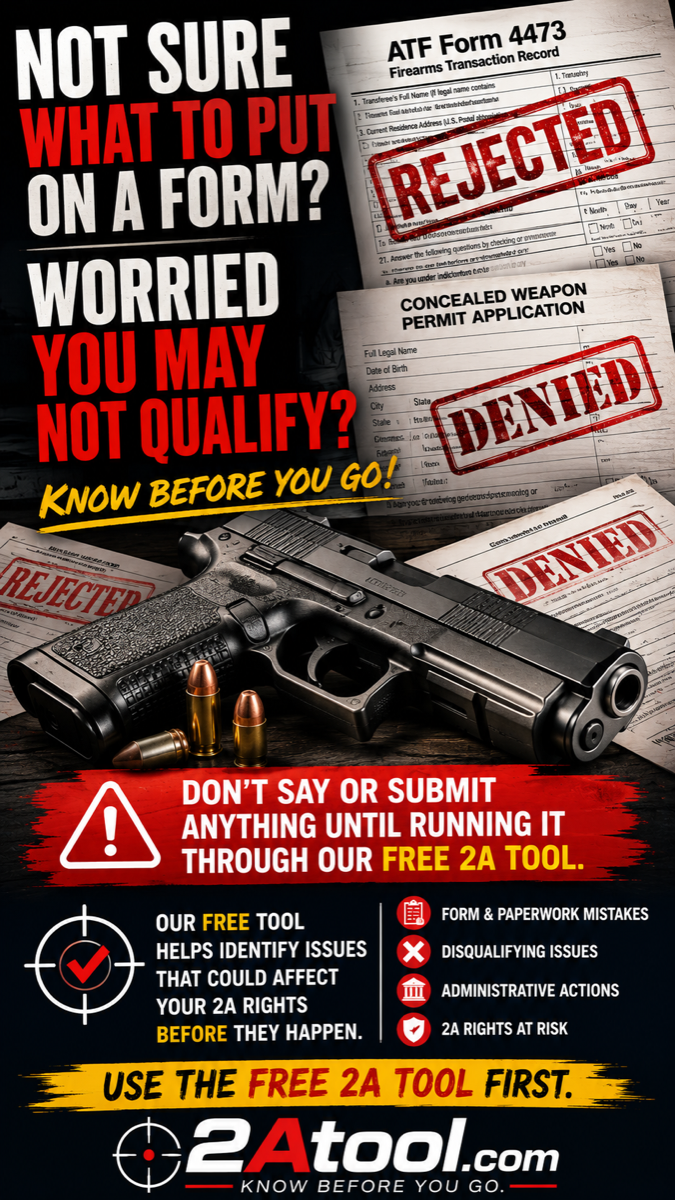
Not sure what to put on a form?
Do not say, sign, submit, appeal, explain, or guess until you run your scenario through the free 2A Tool.
2ATool.com is an anonymous scenario tool for preliminary informational screening only. Do not enter your legal name, date of birth, Social Security number, case numbers, firearm serial numbers, uploaded documents, or other identifying personal information. Use a Privacy Alias.
Administrative gun rights
The fight has moved into the paperwork.
After major Second Amendment victories like Bruen, the pressure point is increasingly administrative: forms, applications, renewals, agency responses, denial letters, suspension notices, revocation proceedings, and record corrections.
Most people walk into a sheriff's department, gun counter, or agency process and start answering questions without understanding what happens behind the scenes. Once a submission is made, it can become part of the record. There may be no easy way to undo it.
Check your scenario before you submitBefore applying or renewing, screen for issues that can affect approval or future status.
Before replying to an agency or sheriff, identify what should be reviewed first.
Before appealing or refiling, understand whether Attorney Review should come first.
Before you go on record
What you submit can follow you.
The warning is simple: what you say, submit, check, sign, or explain can be used later in the administrative record. 2ATool.com helps you identify issues before you apply, buy, respond, appeal, or file.
Know Before You GoHow it works
Run the scenario before you make the submission.
The free tool is designed for mass use: quick, anonymous, mobile-friendly, and built around a Privacy Alias instead of your legal identity.
Do not enter a legal name, document, serial number, case number, or other identifying details.
Screen purchase, permit, denial, suspension, revocation, court-order, cannabis, and records issues.
Verify email to receive the Scenario Report and the recommended next step.
Submission-ready scenarios route to AGS. Review-first scenarios route to Attorney Review.
Do not guess on paperwork
Use the free tool before the form, response, appeal, or application is submitted.
Attorney Guided Submissions
Protect your rights before the record is made.
Attorney Guided Submissions are for people who appear ready to submit, but want the filing prepared, reviewed, and framed correctly before it becomes part of the administrative record.
Find out whether AGS or Attorney Review fits your scenarioSubmit correctly before preventable mistakes become official problems.
Preserve your rights by identifying risk before action.
Frame responses legally and accurately before agencies rely on them.
Push back against administrative overreach with a cleaner record.
Know what to resolve now so you can keep your rights in the future.
Rejected
Form mistakes. Disqualifying issues. Administrative actions.
2A Tool is built to flag issues that could affect your 2A rights before they happen. The public tool stays anonymous. The next step depends on the report: AGS for submission-ready scenarios, Attorney Review for review-first scenarios.
Use the Free 2A Tool FirstFree anonymous scenario screening
Start with the tool. Decide your next step after the report.
Scenario Report
Result pending
This Scenario Report is preliminary information only. It is not legal advice, does not create representation, and does not guarantee eligibility, approval, or any outcome.
Verify email to unlock the Scenario Report
Your anonymous scenario report is ready. Verify an email address so the report can be sent to the right place before showing the full recommendation.